

VTU (B.E./B.Tech 2025)
Grade-map preset for VTU B.E./B.Tech 2025. A non-passing course blocks an official SGPA/CGPA; this calculator uses only the credits you enter.
Calculate CGPA from course grades, credit hours, and grade points. Edit the grade scale when your school or transcript uses different rules.

Optional: fill both fields to include your previous CGPA and completed credits.
| No. | Grade | Point | * | Credit Hours | = | Grade Points | |
|---|---|---|---|---|---|---|---|
| 1 | * | = | |||||
| 2 | * | = | |||||
| 3 | * | = |

Choose a preset, or switch to Custom and edit grade points.
| Grade | Point | |
|---|---|---|
Custom keeps your edited scale for this calculation.
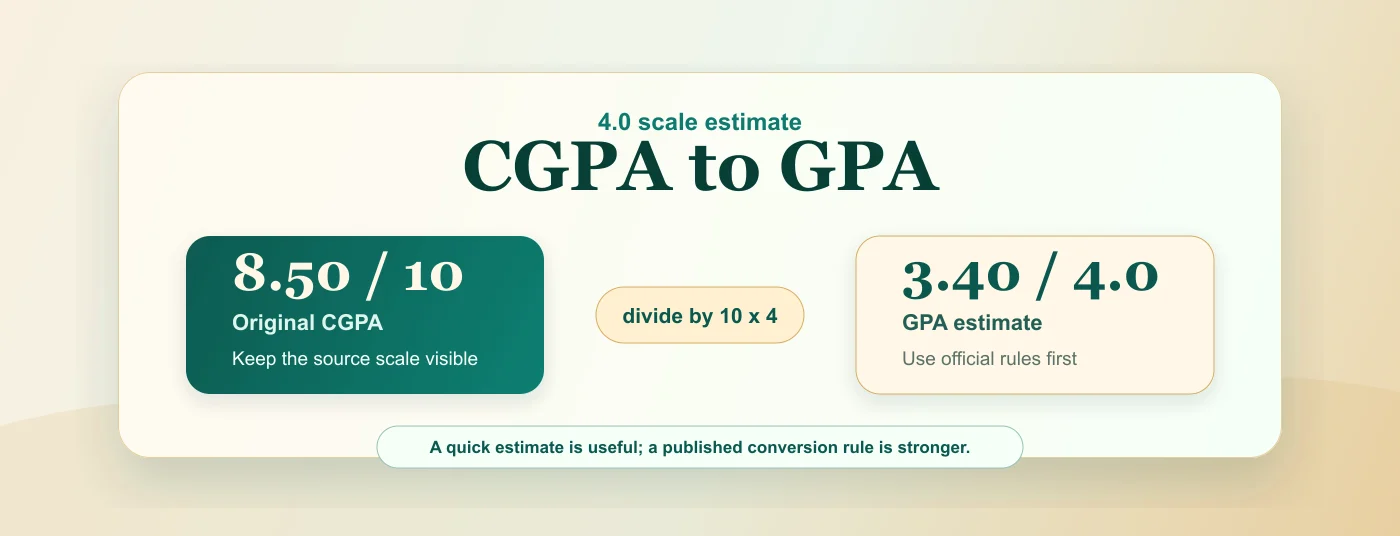
Start with the CGPA calculator, then convert in either direction with the school and regulation year kept visible.
Grade maps and conversion rules change by university and year. These presets link to the official regulation used for the calculation.
Grade-map preset for VTU B.E./B.Tech 2025. A non-passing course blocks an official SGPA/CGPA; this calculator uses only the credits you enter.
Grade-map preset for Anna University affiliated B.E./B.Tech R2025. A U grade blocks an official CGPA; this calculator uses only the credits you enter.
Grade-map preset only. JNTUH R25 degree CGPA can require the best 160 credits; this calculator uses the credits you enter and blocks F/Ab results.
Use these short guides when the CGPA number needs context: why credits matter, how grade points affect a weighted result, what to check before using an estimate, and when to move from CGPA to percentage. For school-specific CGPA systems, start with the grade scale map and adjust it before comparing semesters.

Start from semester grade points, apply credits when your transcript lists them, and keep the formula visible before you use the result in applications or conversions.

Understand CGPA meaning, scale, GPA, SGPA, and percentage.

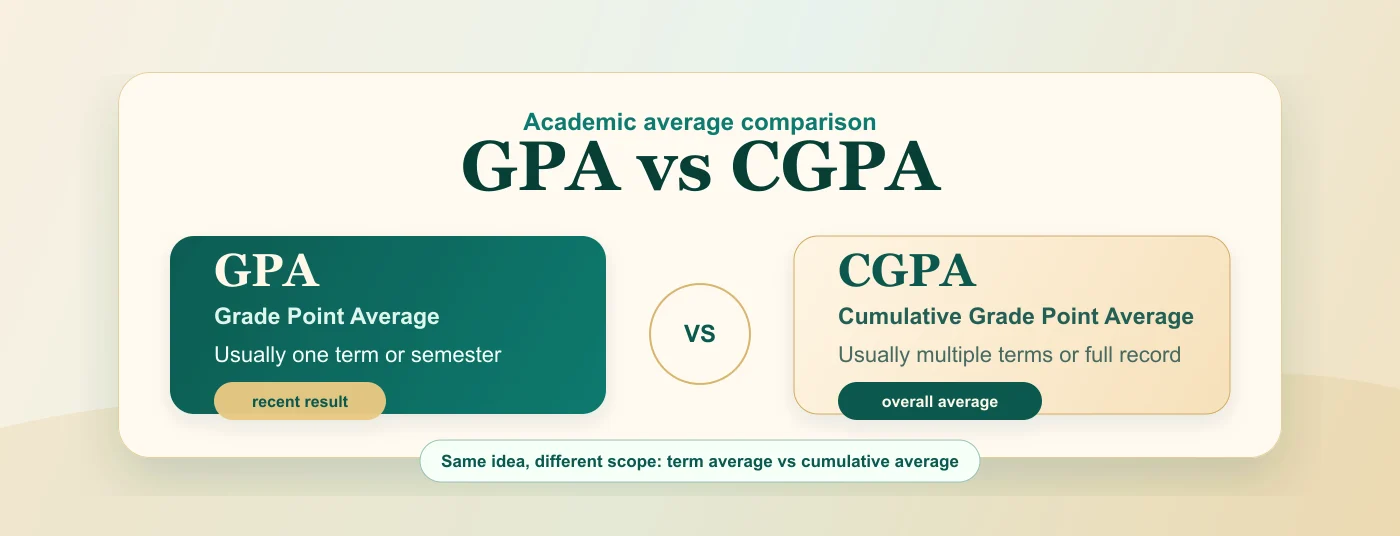
Compare term GPA, cumulative CGPA, scales, and use cases.

Write CGPA with the right scale and conversion note.
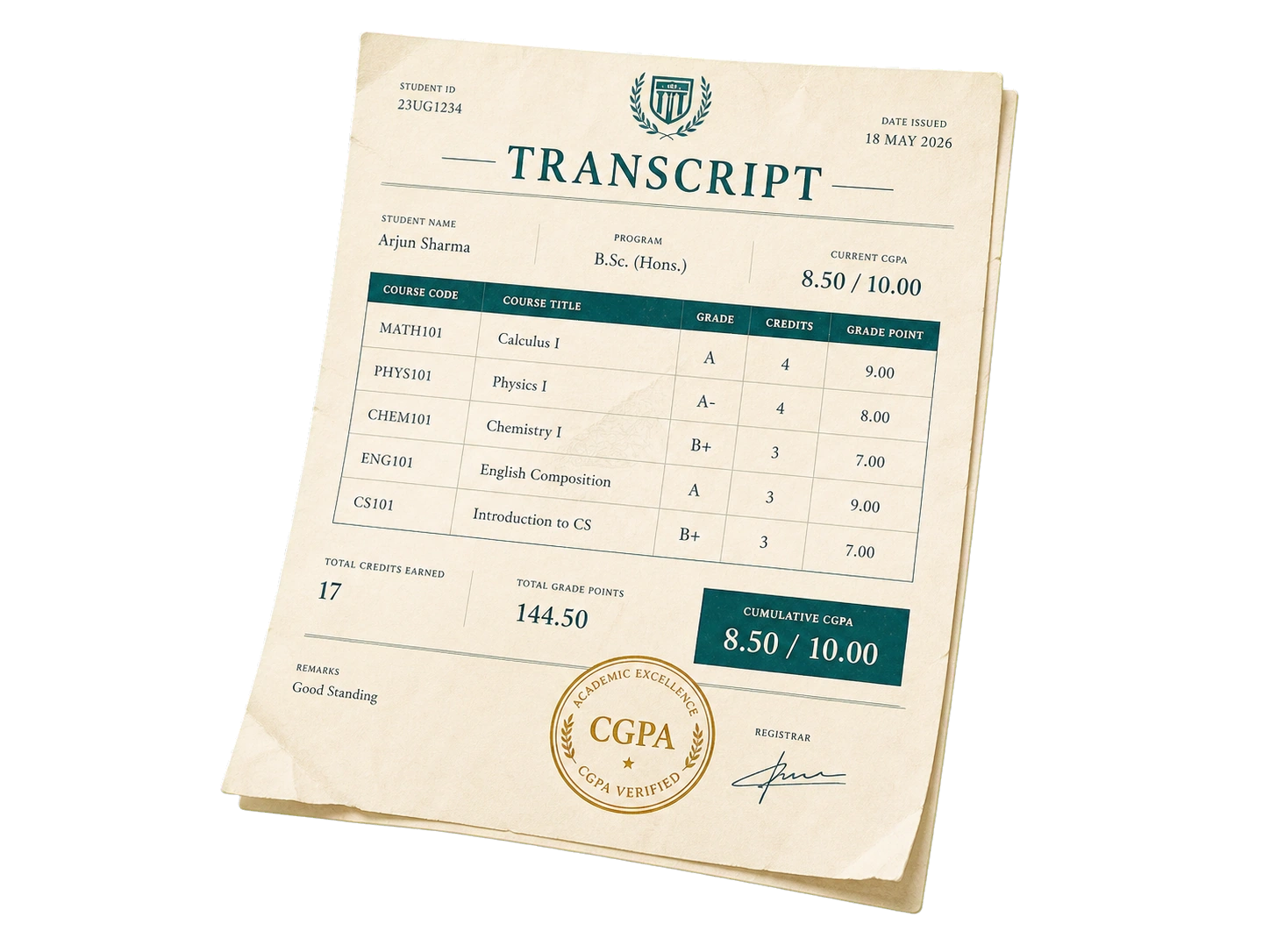
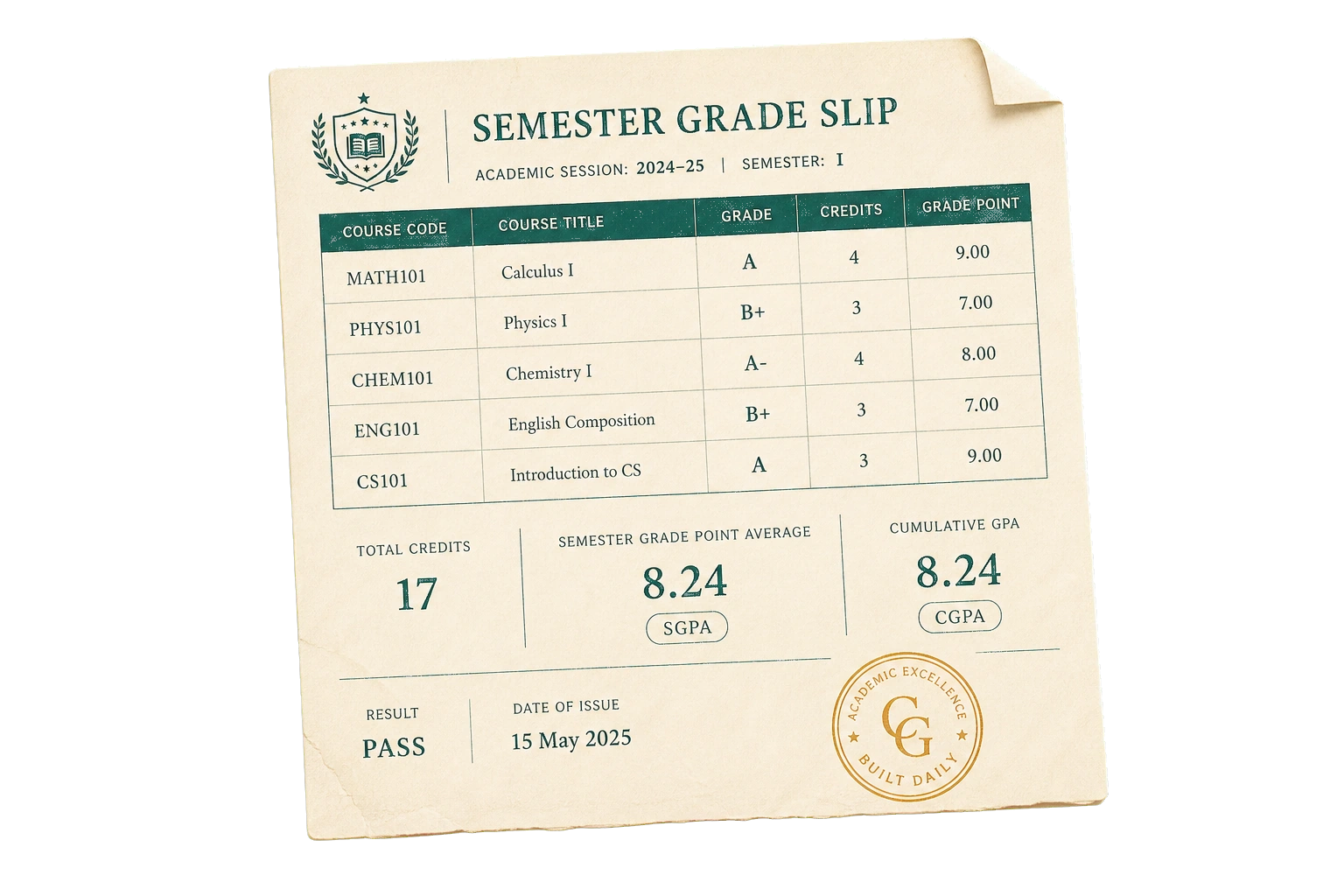
Use the calculator when you already have course grades, grade points, or credit hours from a transcript. Choose the grade that matches each course, review the point value, and add the credits your school lists. The result updates from the totals, so it is easiest to check one row at a time.
For a weighted result, enter the real credit hours for each course. If every course should count the same, use the same credit value across all rows. When your transcript uses a different letter scale, edit the grade scale map before comparing the final number.
Use it before you submit grades to an adviser, compare two course plans, or estimate what a future result needs to be. A CGPA calculator cannot read transcript exceptions, but it gives you a clean worksheet for checking the numbers you already have.
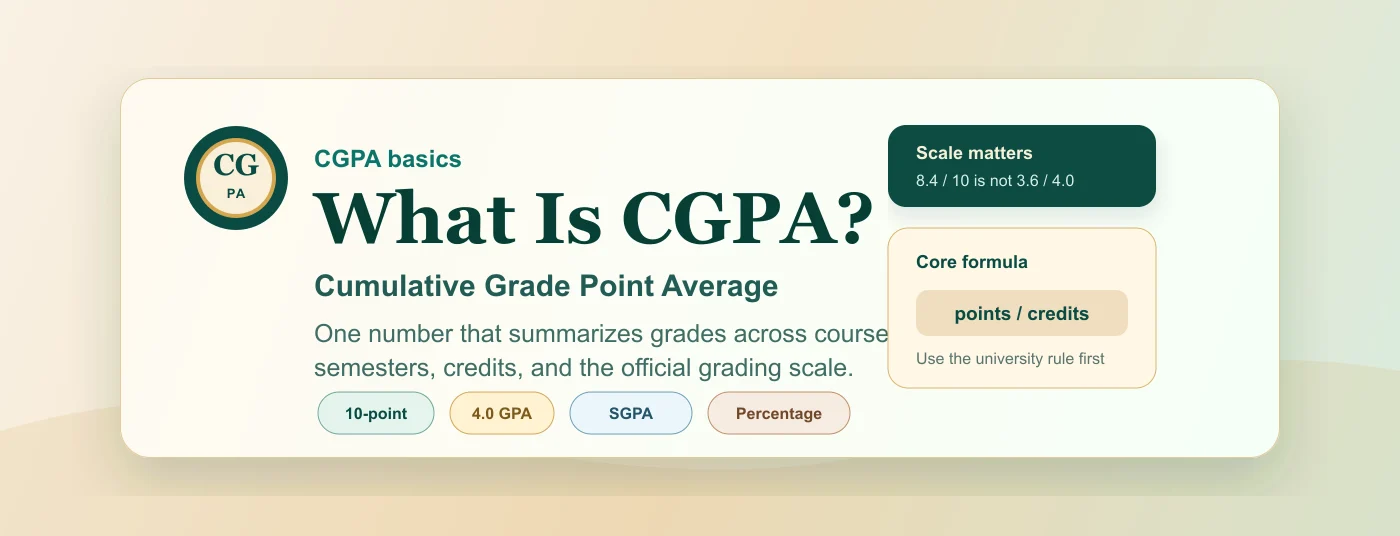
Most grading systems use a weighted average. Each letter grade maps to a point value, each course carries credits, and the total grade points are divided by total credits. This is why a four-credit course can move the result more than a one-credit course.
The calculator is useful for planning, checking a transcript, or testing how a grade scale affects the final average. It is still an estimate: rounding, failed courses, repeats, and department rules may change the official record.
Keep one grading system active while you calculate. Mixing a 10-point scale with a 4.0 scale, or using percentage marks as points, can make the estimate look better or worse than your school method.
Tip: University rules can differ. Switch to a custom grade scale when your school publishes its own O, A+, A, B+ or percentage mapping.
Use these answers to decide when credits matter, when a simple average is enough, how to treat official records, and when to open the percentage converter.
Read the checklist →Yes, when your transcript lists them. Courses with more credits weigh more, so the weighted average is the accurate result. A four-credit course can move your CGPA more than a one-credit elective.
Set every course to the same credit value (for example 1) to get a simple average. Use that only as a quick estimate when your school does not publish credits or when you are planning a rough target.
No. Your university transcript is authoritative. This tool helps you plan and check, not replace the official record. Use the result as a CGPA estimate before you confirm it with your department rules.
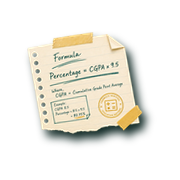
Calculate your CGPA here, then open the CGPA to Percentage tool and pick the conversion method your university or board accepts. Some schools use a simple 9.5 formula, while others publish a separate rule.
Yes. Edit the grade scale mapping table or add rows. The points feed straight into the calculator, so you can match a university-specific O, A+, A, B+ or percentage mapping.